LLM Cost Testing: Stop AI Bills From Ballooning in CI
Your AI feature passed every functional test this week, and your inference bill still went up 40%. That is not a bug in your model, it is a gap in your test suite. LLM cost testing closes that gap by treating token spend and dollars as a first-class quality gate, exactly the way you already gate latency and flakiness. Here is the exact playbook I use to catch a cost regression before it ships.
Table of Contents
- Why QA Owns LLM Cost Testing Now
- What Actually Drives LLM Cost
- Cost Gates in CI: The Core Pattern
- The Tools That Track Cost
- The LLM Cost Testing Playbook
- Cost Testing Traps Teams Keep Hitting
- Cost vs Quality: Testing the Tradeoff
- Why This Matters for SDET Careers in India
- Key Takeaways
- FAQ
Contents
Why QA Owns LLM Cost Testing Now
For a normal web app, cost never showed up on a tester’s radar. Hosting was a fixed line item and nobody asked a QA engineer to babysit the AWS bill. That changes the moment your product calls a model. Every single request now has a variable, meterable price, and the person who verifies the product is the natural owner of the budget.
I see teams hand the cost problem to engineering managers and data scientists, then watch it slip because nobody writes a test for it. Cost is a quality attribute. A feature that returns the right answer but costs three times what it should is a bug, same as a button that renders in the wrong color. If you do not treat it that way, it will not get fixed until the CFO notices.
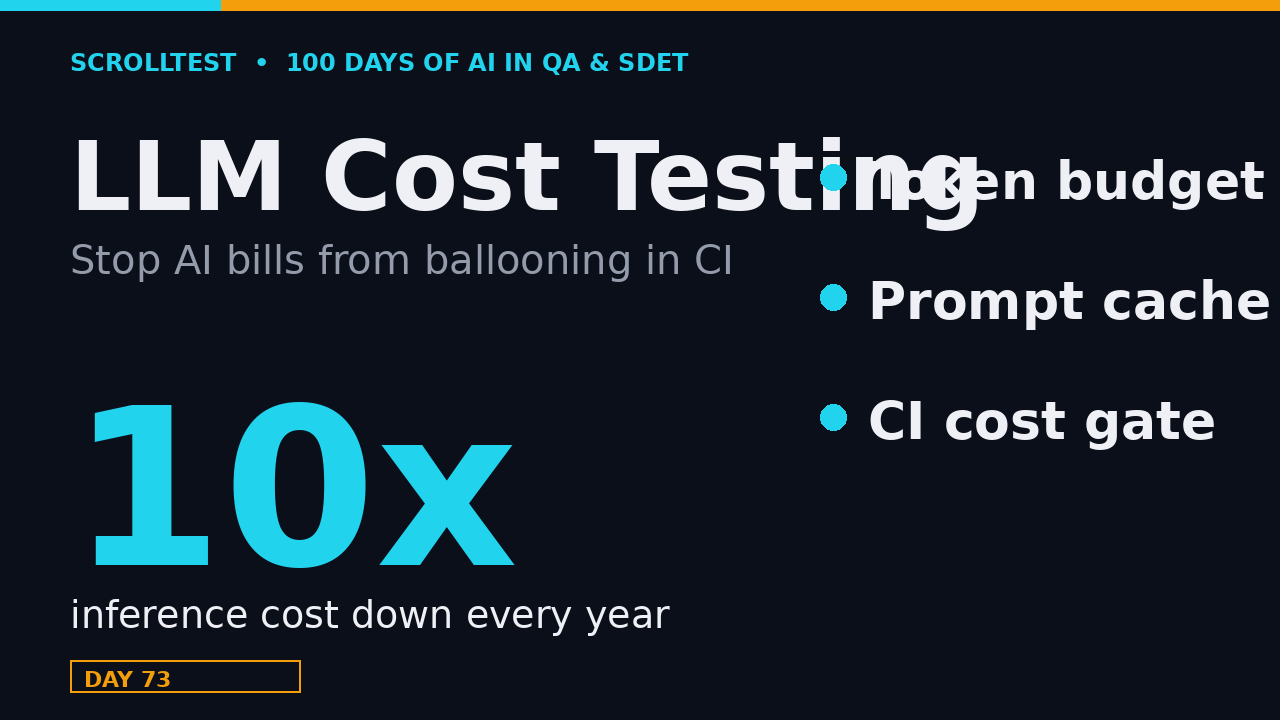
The uncomfortable part is that cost tests are the fastest-drifting tests you will ever write. Andreessen Horowitz’s LLMflation report found that the cost of inference for an LLM of equivalent performance is falling by roughly 10x every year. Your baseline from last quarter is not your baseline today. That is exactly why you need an automated gate and not a one-time manual review.
Cost Is the New Flaky Test
Flaky tests taught us to pin versions and fail fast. Cost regressions are flaky in a different way: they do not fail loudly, they leak quietly. A prompt edit adds one extra tool call. A model swap adds 200 output tokens per request. Nothing breaks, and the burn rate ticks up 20% a month. Six months later someone asks why the AI product is losing money per user.
The 10x-Per-Year Trap
That 10x-every-year decline cuts both ways. It makes AI cheaper to ship, but it also means the “cheap model” you chose six months ago is now the overpriced option, while a newer model does the same job for a tenth of the cost. An automated cost gate with a hard budget is the only mechanism that forces the conversation when that happens.
What Actually Drives LLM Cost
Before you can test cost, you have to know where the money goes. Most QA engineers I meet have never read a token bill, so let me make it concrete in four pieces: input tokens, output tokens, caching, and the agent loop that multiplies all of it.
Input vs Output Tokens
You pay for tokens in both directions, and output tokens almost always cost more than input tokens, often by a factor of two to four depending on the model. A long system prompt is input; a long generated answer is output. This is why a test that measures only total tokens is hiding the real story. A test case that pads the system prompt with 500 tokens is cheap-ish on input, while an agent that loops a model ten times to reach an answer burns output tokens on every turn.
The practical rule I teach: count input and output separately, and budget them separately. If you only track one number, track output tokens first, because that is usually the expensive side and the side your test data controls.
Model tier is the third dial. A frontier model like GPT-4o or Claude Sonnet can cost ten to twenty times more per token than a small model, or a local open-weight model you run yourself through Ollama. The same test that passes on a big model and on a small model is telling you two completely different things about your budget, so your gate has to be pinned to the specific model you ship, not to “some LLM.”
Prompt Caching Is the Free Lunch
If your system prompt and tool definitions do not change between requests, you are paying to reprocess them every single time unless you use prompt caching. Anthropic’s prompt caching documentation prices cache writes at 1.25x the base input rate and cache reads at 0.1x, and states that most organizations see input costs drop 50 to 90 percent once caching is working. OpenAI’s prompt caching guide uses a similar structure, with cached input tokens billed at a fraction of the uncached rate and cache writes at a small multiplier.
For a QA engineer, caching is not an infrastructure detail, it is a testable behavior. A test that verifies your stable prefix is actually marked for caching, and that a cache hit is occurring, is worth more than a hundred ad-hoc latency checks. When someone shuffles the system prompt so the prefix no longer matches, your cost test should scream.
Agent Loops and Tool Calls Are the Silent Multiplier
A single-turn chatbot is cheap to reason about. An agent that loops is where costs explode, because every turn re-sends the full conversation and every tool call carries its own input and output tokens. I have seen a “small” RAG agent go from three cents to forty cents per request the day someone added a retry loop with no maximum turn count.
The fix is a test that bounds the loop: assert that a representative task finishes in N turns or fewer, and that the tool-call count stays under a ceiling. If your cost gate only watches the final model call, it will miss the ten intermediate calls that did the real spending. Count the whole trace, not just the last response.
Cost Gates in CI: The Core Pattern
The pattern is simple and it is the same one you use for every other non-functional gate: run the flow, measure the cost, assert against a budget, and fail the build when the budget breaks. The only new part is what you measure.
Here is a minimal cost gate in Python. It uses a small price table and a hard dollar budget per test. Prices move, so keep the table in one place and update it when your provider changes rates.
# prices in USD per 1M tokens. check your provider, these drift
PRICES = {
    "gpt-4o":      {"in": 2.50, "out": 10.00},
    "gpt-4o-mini": {"in": 0.15, "out": 0.60},
    "claude-sonnet-4": {"in": 3.00, "out": 15.00},
}

def cost_gate(name, prompt_tokens, completion_tokens, model, budget=0.05):
    p = PRICES[model]
    cost = (prompt_tokens / 1_000_000) * p["in"] \
         + (completion_tokens / 1_000_000) * p["out"]
    assert cost <= budget, f"{name} blew budget: ${cost:.4f} > ${budget}"
    return cost

# Example: a single support-answer flow must stay under 5 cents
cost_gate("support-answer", prompt_tokens=1200, completion_tokens=180,
          model="gpt-4o-mini", budget=0.05)
That helper drops straight into pytest, so the budget becomes a normal test failure that shows up in CI right next to your functional tests.
import pytest

def test_support_answer_stays_in_budget():
    # run your real flow, then read the token counts it produced
    prompt_tokens, completion_tokens = 1200, 180
    cost = cost_gate("support-answer", prompt_tokens, completion_tokens,
                     model="gpt-4o-mini", budget=0.05)
    assert cost <= 0.05
When a developer swaps gpt-4o-mini for gpt-4o, the assertion fails and the merge is blocked, which is exactly the behavior you want from a gate. The nightly baseline check is one more line of thinking: store yesterday’s total spend and today’s total spend, and fail if today jumps more than 20 percent. That single comparison has caught more silent regressions in my work than any dashboard alert.
Where to Put the Gate
Do not gate every single unit test on cost, that is noise. Put hard budgets at three levels: a per-flow budget for your highest-volume user journeys, a per-suite budget for a full eval run, and a nightly budget that compares today’s total spend against a rolling baseline. The nightly comparison is the one that catches slow leaks the per-flow gate misses.
The Tools That Track Cost
You can hand-roll the gate above, but for real products you want a tool that tracks spend across every call and gives you budgets for free. Three projects dominate this space, and I have used all of them.
LiteLLM: Cost Tracking and Budgets
LiteLLM is a proxy and SDK that gives you a single interface over 100-plus model providers, and it tracks spend per call, per key, and per team out of the box. It is the tool I reach for when I need a hard budget that actually blocks requests once a limit is hit, not just a dashboard that tells you about it after the fact. With roughly 57,000 GitHub stars, it is the de facto standard for multi-provider cost control.
Setting a budget is a config change, not a code change: you set a maximum dollar limit per key or per team, and the proxy rejects requests once spend crosses the line. That is a hard stop, which is the only kind of budget that survives a launch-week scramble. Pair it with per-tag tracking so you can slice spend by feature and find the one flow that is quietly bleeding.
Langfuse: Observability With Cost Attached
Langfuse attaches token counts and dollar cost to every trace, so you can break spend down by prompt version, model, and feature. It clocks over 7.9 million npm downloads a month, which tells you how many teams treat LLM observability as table stakes now. For a QA team, the killer feature is comparing cost per prompt version: you can ship a prompt change, watch the cost curve, and roll back if it spikes.
PromptFoo and Helicone
PromptFoo is what I use to assert on eval quality in CI, and Helicone is a lighter-weight observability gateway. The exact stack matters less than the rule: cost must be visible next to quality in the same dashboard, or you will optimize one and regress the other.
The LLM Cost Testing Playbook
Here is the full sequence I run when I bring cost testing to a team. It works whether you are starting from zero or cleaning up an AI feature that has been live for months, and the whole thing stands up in about a week.
- Pick your three highest-volume flows. Cost testing on a flow nobody uses is a hobby, not a gate.
- Measure a baseline: run each flow 20 times and record median prompt tokens, completion tokens, and total dollar cost. Write those numbers down.
- Set the budget at 15 to 20 percent above the baseline. Tight enough to catch a real regression, loose enough not to fail on normal variance.
- Add a price table to a single source file and assert on it in CI, not in a spreadsheet someone reads once.
- Enable prompt caching on your stable prefix and add a test that a cache hit actually occurs on repeat requests.
- Add the nightly suite-level comparison against a rolling 7-day baseline. This is the net that catches slow drift.
- Route the failure to the right owner. A cost test that fails with no clear owner gets muted in a week.
- Review the budget every quarter, because the 10x-per-year cost decline means your budgets should be moving down over time.
Cost Testing Traps Teams Keep Hitting
These are the mistakes I see most often, in roughly the order of how expensive they are.
- Tracking total tokens instead of input and output separately, so the expensive side stays invisible.
- Gating a dev environment but never production, where the actual volume lives.
- Using a hard-coded price for one provider and silently failing when a second provider is added.
- Optimizing cost by shrinking the prompt and quietly breaking answer quality, which is a regression that just moves to another test.
- Setting the budget once and never revisiting it, so the gate rots into a meaningless green check.
- Measuring only the model call and ignoring the retrieval and tool-call overhead that often costs more than the LLM itself.
Cost vs Quality: Testing the Tradeoff
Every cost optimization is a quality risk, and every quality improvement has a price. The job of a good QA engineer is not to push cost to zero, it is to make the tradeoff explicit and testable. When a prompt is shortened to save tokens, answer quality can silently drop. When a cheaper model is swapped in, faithfulness on your hardest questions can fall off a cliff.
That is why cost gates and eval gates have to live in the same pipeline. Before you approve a cost cut, run your eval suite and confirm the quality bar still holds. I treat it like a two-key launch: the cost test proves the spend is within budget, and the eval test proves the answer is still good. Skip either one and you have shipped a regression with a nice-looking bill.
This is the same discipline I use for RAG retrieval quality and hallucination detection. Cost, quality, and latency are one system, and you test them together.
Why This Matters for SDET Careers in India
Cost literacy is becoming a differentiator, and I mean that literally at the salary level. Product companies here do not want a tester who can only assert text; they want someone who can look at an eval pipeline and explain why a RAG flow is expensive and where the waste is. That is the difference between a generic automation role and the AI QA roles that pay at the top of the market.
The contrast is sharp. In a typical service company engagement, cost is somebody else’s problem and the test charter is “verify the requirements.” In a product company shipping an AI feature, cost is a line on the sprint board and the tester who owns it is visible to leadership. If you are an SDET or a senior QA engineer planning your next move, adding cost and performance gates to your toolkit is one of the fastest ways to look senior. It sits right next to the latency and token gates and the hallucination testing work I have written about in this series.
If you are preparing for interviews right now, expect a question like “how would you test the cost of an AI feature?” A tester who can answer that with input-versus-output token accounting, caching, and a CI budget gate walks out with the offer. That single answer signals you understand production AI, not just prompts.
Key Takeaways
- LLM cost testing treats token spend and dollars as a quality gate, not an ops afterthought.
- Measure input and output tokens separately, and enable prompt caching to cut input cost by 50 to 90 percent.
- Gate three levels: per-flow budget, per-suite budget, and a nightly comparison against a rolling baseline.
- Use LiteLLM for hard budgets, Langfuse for cost-per-version observability, and keep cost next to quality in one dashboard.
- Revisit budgets every quarter, because inference cost is falling 10x a year and your gate should drift downward with it.
FAQ
What is LLM cost testing?
It is the practice of measuring token usage and dollar cost for an LLM-powered flow and asserting against a budget in your test suite, so a cost regression fails the build the same way a functional bug does.
Do I need a special tool to test LLM cost?
No. You can start with a Python price table and a simple assertion, as shown above. When your volume grows, LiteLLM or Langfuse give you budgets and per-version cost breakdowns without hand-rolling accounting.
How much does prompt caching actually save?
Anthropic reports that most organizations see input costs drop 50 to 90 percent once caching is in place, because the stable prefix is billed at a small fraction of the uncached rate instead of being reprocessed every request.
Is cost testing worth it for a small project?
Even a single nightly check that compares today’s spend to last week’s baseline will catch a silent model swap or a runaway agent loop. For a small project that is a ten-minute insurance policy, and it scales with you.
How do I measure tokens if my SDK hides usage data?
Most provider SDKs return usage in the response object, but if yours does not, count locally with a tokenizer. OpenAI’s tiktoken and similar libraries give you input and output counts without waiting on the API. The counts are approximate for other vendors, which is one more reason to budget with headroom.