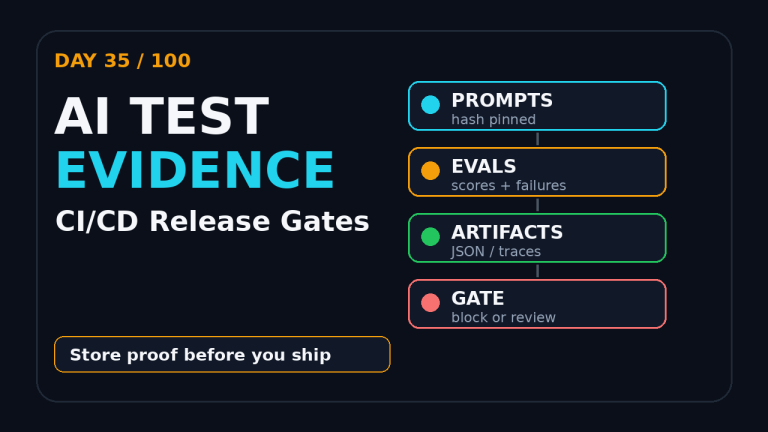
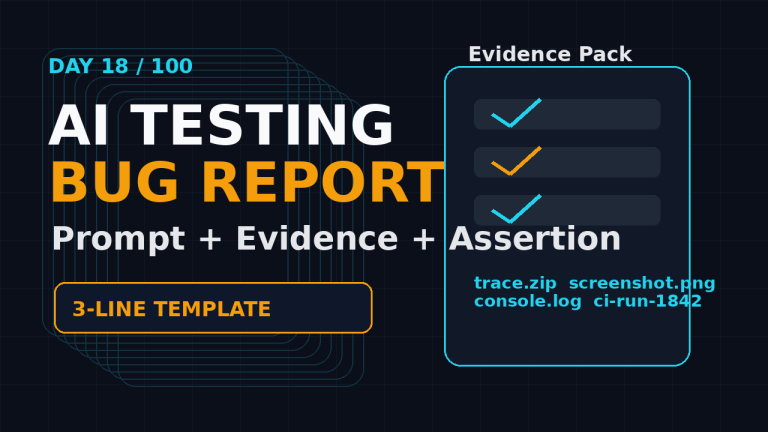
Browser Agent Testing: Day 29 Trust Report
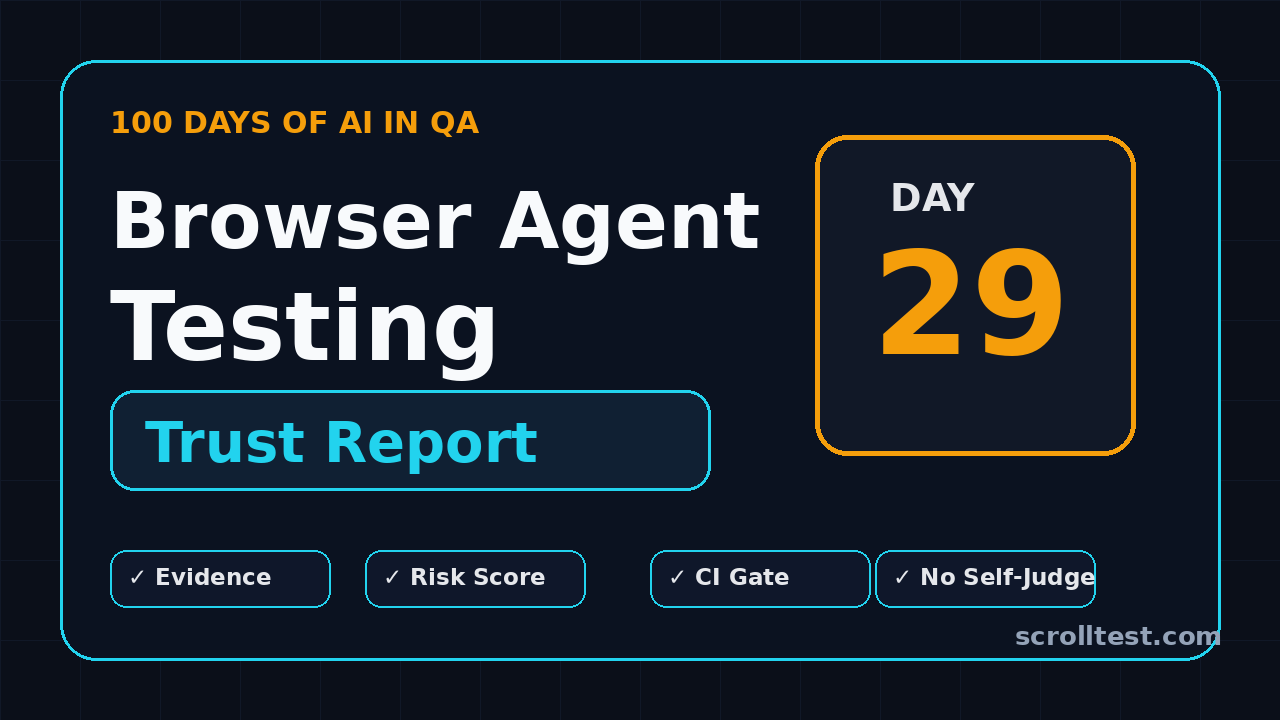
Day 29 of 100 Days of AI in QA & SDET. Browser agent testing is the point where QA teams stop clapping for fancy AI demos and start asking for proof. I see teams run a browser agent once, watch it click the right button, and call it automation. That is not testing. That is a screen recording with good luck.
This guide gives you a trust report format for browser agent testing. Use it when you evaluate Browser-use, Playwright agents, Stagehand-style flows, or any internal agent that can open a browser, read the DOM, and take actions on your product.
Table of Contents
- Why Browser Agent Testing Needs a Trust Report
- What the Current Tool Data Says
- The Browser Agent Testing Trust Model
- Building the Report With Playwright Evidence
- Risk Scoring for Browser Agent Testing
- CI Gates That Stop Bad Agent Runs
- India SDET Career Angle
- Common Mistakes I See
- Key Takeaways
- FAQ
Contents
Why Browser Agent Testing Needs a Trust Report
Browser agent testing looks simple from the outside. Give the model a task, let it inspect the page, let it click, and wait for the final answer. The problem is that a successful final answer hides a lot of weak signals.
An agent can complete the checkout flow while ignoring a console error. It can reach the dashboard while using the wrong account. It can pass because the test data was already present. It can succeed locally and fail in CI because the browser context, viewport, or network state changed.
A demo is not a regression signal
A demo answers one question: “Can this agent do the task once under friendly conditions?” A regression signal answers a harder question: “Can this agent do the task repeatedly, with recorded evidence, inside our release process?” That second question is where QA earns trust.
For Day 29, I want a browser agent testing report to capture at least five things:
- The prompt or task given to the agent.
- The exact browser steps observed, not only the final message.
- Selectors, URLs, screenshots, trace files, and console errors.
- Risk flags such as retries, fallback clicks, or unexpected navigation.
- A pass, warn, or fail decision that CI can enforce.
Why this matters now
The tooling is moving fast. The browser-use GitHub project describes its goal as making websites accessible for AI agents. The repository has crossed 100,000 stars based on the GitHub API response I checked during this article. That level of attention means many QA teams will be asked the same question in 2026: “Can we test with agents?”
My answer is yes, but only if browser agent testing ships with evidence. Without evidence, the agent becomes another flaky automation layer. With evidence, it becomes an intelligent worker that still reports like a professional test system.
What the Current Tool Data Says
I do not want to build strategy from hype. I want hard signals from official APIs and primary sources. Here are the numbers I used for this trust report.
Browser-use is a serious ecosystem signal
The GitHub API for browser-use showed 102,963 stars, 11,411 forks, and recent activity on July 3, 2026 when I checked it for this post. PyPI lists browser-use as a package for making websites accessible for AI agents, with version 0.13.3 at the time of writing.
That does not prove your team should adopt it tomorrow. It proves the pattern is no longer niche. If a browser agent can perform tasks on real applications, QA must define what acceptable evidence looks like.
Playwright remains the evidence layer
Playwright is still the strongest foundation I see for browser evidence. The Microsoft Playwright repository describes it as a framework for web testing and automation across Chromium, Firefox, and WebKit. The npm API for @playwright/test monthly downloads reported 175,751,855 downloads for the last-month window ending July 4, 2026.
Those numbers matter because browser agent testing needs boring infrastructure around it. Screenshots, videos, traces, request logs, selectors, and reports are not glamorous. They are the difference between “AI clicked around” and “we have a release signal.”
LLM risk is now a QA concern
The OWASP Top 10 for Large Language Model Applications gives security teams a shared vocabulary for LLM risks. QA teams need the same discipline for agent behavior. Prompt injection, unsafe tool use, over-permissioned browsing, and hidden data exposure are not only security issues. They are test design issues.
That is why this article treats browser agent testing as a quality engineering problem, not a toy automation problem.
The Browser Agent Testing Trust Model
A useful trust report is not a PDF full of green ticks. It is a compact model that tells a release manager whether an agent run can be trusted. I use a five-layer model.
Layer 1: Intent
Intent captures what the agent was asked to do. The report should store the original prompt, the expected outcome, the user role, and the environment. If the prompt is vague, the result is weak by default.
Good intent looks like this:
Task: Login as a standard user, add the "Pro Plan" to cart,
apply coupon QA10, and confirm that the payable amount is ₹9,000.
Role: standard_user
Environment: staging
Browser: chromium
Data seed: checkout_seed_2026_07_06
Bad intent looks like this:
Check checkout flow.The second task might pass, but nobody knows what it proved.
Layer 2: Observation
Observation captures what the agent saw. This includes DOM snapshots, accessibility tree summaries, visible text, screenshots, and current URL at each major step. If your report only stores the final screenshot, debugging becomes painful.
Layer 3: Action
Action records what the agent did. Did it click by role, by text, by CSS selector, or by coordinates? Did it type into a stable input or a random matching field? Did it use browser history? Did it open a new tab?
Coordinate clicks should not be an automatic failure, but they should be a warning. A coordinate click can mean the agent lacked a stable semantic target.
Layer 4: Evidence
Evidence is the artifact layer. I want screenshots, traces, console logs, network failures, and assertions. This is where Playwright fits nicely. You can let the agent explore, but you should still use deterministic assertions to decide pass or fail.
Layer 5: Decision
The decision layer is simple: pass, warn, or fail. Pass means the goal was met and no serious risk flags appeared. Warn means the goal was met but trust is reduced. Fail means the goal was not met, evidence is missing, or a blocking risk was found.
Building the Report With Playwright Evidence
Here is a practical TypeScript skeleton you can adapt. It does not assume one specific agent library. The agent can be browser-use, a custom LangGraph worker, a Playwright wrapper, or a hosted product. The important part is the contract around the run.
Step 1: Define the report schema
type AgentAction = {
  step: number;
  url: string;
  observation: string;
  action: string;
  target?: string;
  riskFlags: string[];
  screenshot?: string;
};

type BrowserAgentTrustReport = {
  day: number;
  focusKeyword: string;
  task: string;
  environment: string;
  browser: string;
  startedAt: string;
  finishedAt?: string;
  actions: AgentAction[];
  assertions: { name: string; status: 'pass' | 'fail'; details?: string }[];
  consoleErrors: string[];
  networkFailures: string[];
  decision: 'pass' | 'warn' | 'fail';
  score: number;
};
This schema forces the team to save more than the agent’s final answer. It also makes the output easy to store in CI artifacts, Slack summaries, or a dashboard.
Step 2: Capture browser evidence during the run
import { test, expect } from '@playwright/test';

test('agent checkout trust report', async ({ page }, testInfo) => {
  const report = createTrustReport({
    day: 29,
    focusKeyword: 'browser agent testing',
    task: 'Buy Pro Plan with coupon QA10',
    environment: 'staging',
    browser: testInfo.project.name
  });

  const consoleErrors: string[] = [];
  const networkFailures: string[] = [];

  page.on('console', msg => {
    if (msg.type() === 'error') consoleErrors.push(msg.text());
  });

  page.on('requestfailed', req => {
    networkFailures.push(`${req.method()} ${req.url()} ${req.failure()?.errorText}`);
  });

  await page.goto('https://example.test/pricing');

  // Replace this call with your real browser agent.
  const result = await runBrowserAgent(page, {
    task: 'Select Pro Plan, apply QA10, and reach payment review.'
  });

  report.actions.push(...result.actions);
  report.consoleErrors = consoleErrors;
  report.networkFailures = networkFailures;

  await expect(page.getByText('Payment Review')).toBeVisible();
  await expect(page.getByText('₹9,000')).toBeVisible();

  report.assertions.push({ name: 'payment review visible', status: 'pass' });
  report.assertions.push({ name: 'discounted amount visible', status: 'pass' });

  report.decision = decide(report);
  report.score = score(report);

  await testInfo.attach('browser-agent-trust-report', {
    body: JSON.stringify(report, null, 2),
    contentType: 'application/json'
  });
});
The key idea is separation. The agent may choose actions, but assertions remain deterministic. This gives managers confidence because the final gate is not another model opinion.
Step 3: Store trace and screenshots
Every agent run should produce artifacts. I prefer one screenshot for each major state change, one final screenshot, and a trace when the run fails or warns. If storage cost is a concern, keep full traces only for non-pass decisions and sample pass traces daily.
On ScrollTest, I have already written about AI browser agent evidence checklists and browser agent testing checks before trust. This Day 29 report is the next layer: evidence plus scoring plus CI action.
Risk Scoring for Browser Agent Testing
Browser agent testing should not be binary too early. A run can meet the goal while still being risky. That is why I use scoring.
A simple 100-point scoring model
Start with 100 points. Deduct points for risk flags:
- -30 if the final deterministic assertion fails.
- -20 if the agent uses coordinate clicks on critical actions.
- -15 if there are console errors on the target page.
- -15 if any API request fails during the tested journey.
- -10 if the agent retries the same action more than twice.
- -10 if the agent navigates outside the expected domain.
- -10 if evidence artifacts are missing.
Then map the score:
- 90-100: Pass. The run is clean enough for a release signal.
- 70-89: Warn. The goal was met, but a human should review the artifact.
- 0-69: Fail. Do not allow this run to support a release decision.
TypeScript scoring function
function score(report: BrowserAgentTrustReport): number {
  let points = 100;

  if (report.assertions.some(a => a.status === 'fail')) points -= 30;
  if (report.actions.some(a => a.riskFlags.includes('coordinate-click'))) points -= 20;
  if (report.consoleErrors.length > 0) points -= 15;
  if (report.networkFailures.length > 0) points -= 15;
  if (report.actions.some(a => a.riskFlags.includes('excessive-retry'))) points -= 10;
  if (report.actions.some(a => a.riskFlags.includes('unexpected-domain'))) points -= 10;
  if (report.actions.some(a => !a.screenshot)) points -= 10;

  return Math.max(points, 0);
}

function decide(report: BrowserAgentTrustReport): 'pass' | 'warn' | 'fail' {
  const value = score(report);
  if (value >= 90) return 'pass';
  if (value >= 70) return 'warn';
  return 'fail';
}
This is intentionally simple. Teams can add weights later, but the first win is discipline. Every browser agent testing run must explain why it deserves trust.
CI Gates That Stop Bad Agent Runs
Once the report exists, connect it to CI. Do not keep it as a pretty JSON file nobody reads. A trust report is useful only when it changes a decision.
Gate 1: Fail on missing evidence
If the run has no screenshot, no action list, or no assertion result, fail it. Missing evidence is not a warning. It means the team cannot debug or defend the result.
Gate 2: Warn on fragile actions
Coordinate clicks, repeated retries, and ambiguous text matches should create warnings. In a mature setup, warnings open tickets or create dashboard entries. In early adoption, warnings can trigger manual review.
Gate 3: Fail on deterministic assertion failure
The model should never override your deterministic assertions. If the agent says the checkout succeeded but Playwright cannot find the confirmation amount, the run fails. This rule keeps the agent in its proper place: a worker, not the judge.
GitHub Actions example
name: browser-agent-testing
on: [pull_request]

jobs:
  agent-regression:
    runs-on: ubuntu-latest
    steps:
      - uses: actions/checkout@v4
      - uses: actions/setup-node@v4
        with:
          node-version: 22
      - run: npm ci
      - run: npx playwright install --with-deps chromium
      - run: npm run test:agent
      - name: Check trust report
        run: node scripts/check-agent-trust-report.js
      - uses: actions/upload-artifact@v4
        if: always()
        with:
          name: browser-agent-evidence
          path: test-results/**
The CI rule should be boring: if the report decision is fail, the build fails. If it is warn, the build can pass with a visible warning for non-critical journeys, but high-risk flows should require review.
India SDET Career Angle
For Indian QA engineers, browser agent testing is a career signal. Many service-company projects still measure QA output by test cases written and defects logged. Product companies increasingly care about release confidence, CI ownership, and intelligent automation.
If you are targeting SDET roles in Bengaluru, Pune, Hyderabad, Chennai, or remote product teams, learn how to evaluate AI agents with evidence. The salary jump from a manual QA profile to a strong SDET profile often depends on ownership. Can you design the framework? Can you explain the risk? Can you stop a bad release with data?
What I would put on a resume
Do not write “used AI for testing.” That line is weak. Write this instead:
Built a browser agent testing trust report using Playwright traces,
console/network capture, deterministic assertions, and CI risk gates.
Reduced manual review time for critical journey checks by 40% in staging.
Only claim a number if you measured it. If you have not measured it yet, replace the second sentence with the exact workflow you implemented.
Skills worth learning this month
- Playwright fixtures, traces, videos, and custom reporters.
- Agent frameworks such as browser-use and LangGraph-style workflows.
- Prompt design for repeatable test tasks.
- LLM risk basics from OWASP.
- CI artifact handling in GitHub Actions, GitLab CI, or Jenkins.
If you want to keep building this stack, also read my DeepEval for QA engineers guide and the Day 28 AI release watcher. Both connect to the same larger theme: QA is moving from clicking to judging evidence.
Common Mistakes I See
Most browser agent testing failures are not model failures. They are engineering failures around the model.
Mistake 1: Treating the final answer as truth
An agent saying “checkout completed” is not proof. The proof is the URL, confirmation text, order ID format, network response, screenshot, and assertion result. Trust the artifact, not the sentence.
Mistake 2: Giving agents too much freedom
If the task is “test checkout,” the agent may explore paths you did not intend. Scope the role, data, domain, and expected outcome. Freedom is useful for exploration. Regression needs boundaries.
Mistake 3: Ignoring negative cases
Agents are often tested on happy paths first. That is fine for a prototype. For a real suite, add negative cases: expired coupon, invalid address, blocked payment method, missing permission, slow API, and disabled feature flag.
Mistake 4: No owner for warning decisions
A warn state is useful only if someone owns it. Decide whether warnings go to the SDET, QA lead, feature owner, or release manager. Otherwise warnings become noise.
Key Takeaways
Browser agent testing can help QA teams move faster, but only when it produces evidence that survives a release discussion. My Day 29 rule is simple: no trust report, no trust.
- Browser agent testing needs intent, observation, action, evidence, and decision layers.
- Use agents for flexible execution, but keep deterministic assertions as the judge.
- Score runs so teams can distinguish pass, warn, and fail.
- CI should fail missing evidence and deterministic assertion failures.
- For SDETs, agent evidence design is a stronger skill than prompt tricks.
If you are building AI QA workflows, start small. Pick one journey, record every action, attach evidence, score the run, and make CI enforce the decision. That is how browser agent testing becomes engineering, not theatre.
FAQ
Is browser agent testing replacing Playwright scripts?
No. I see browser agents as a layer above traditional automation. They can explore and perform flexible tasks, but Playwright still gives you assertions, traces, browser control, and repeatable evidence.
Should every QA team adopt browser-use now?
No. Evaluate it on one non-production journey first. Check reliability, evidence quality, security boundaries, and CI fit before adding it to release gates.
What is the first metric to track?
Track trustworthy completion rate. Count only runs that meet the goal, pass deterministic assertions, and include complete evidence. Do not count agent self-reported success.
Can manual testers learn browser agent testing?
Yes, but they need to learn evidence thinking. Start with Playwright basics, screenshots, traces, prompts, and simple JSON reports. Then add agent frameworks after the fundamentals are clear.
Where does BrowsingBee fit?
BrowsingBee is where I am exploring practical browser-agent workflows and evidence-first checks for QA teams. The principle stays the same for any tool: the agent can act, but the report must prove.