Browser Agent Testing: Stagehand v3.7.3 Checklist
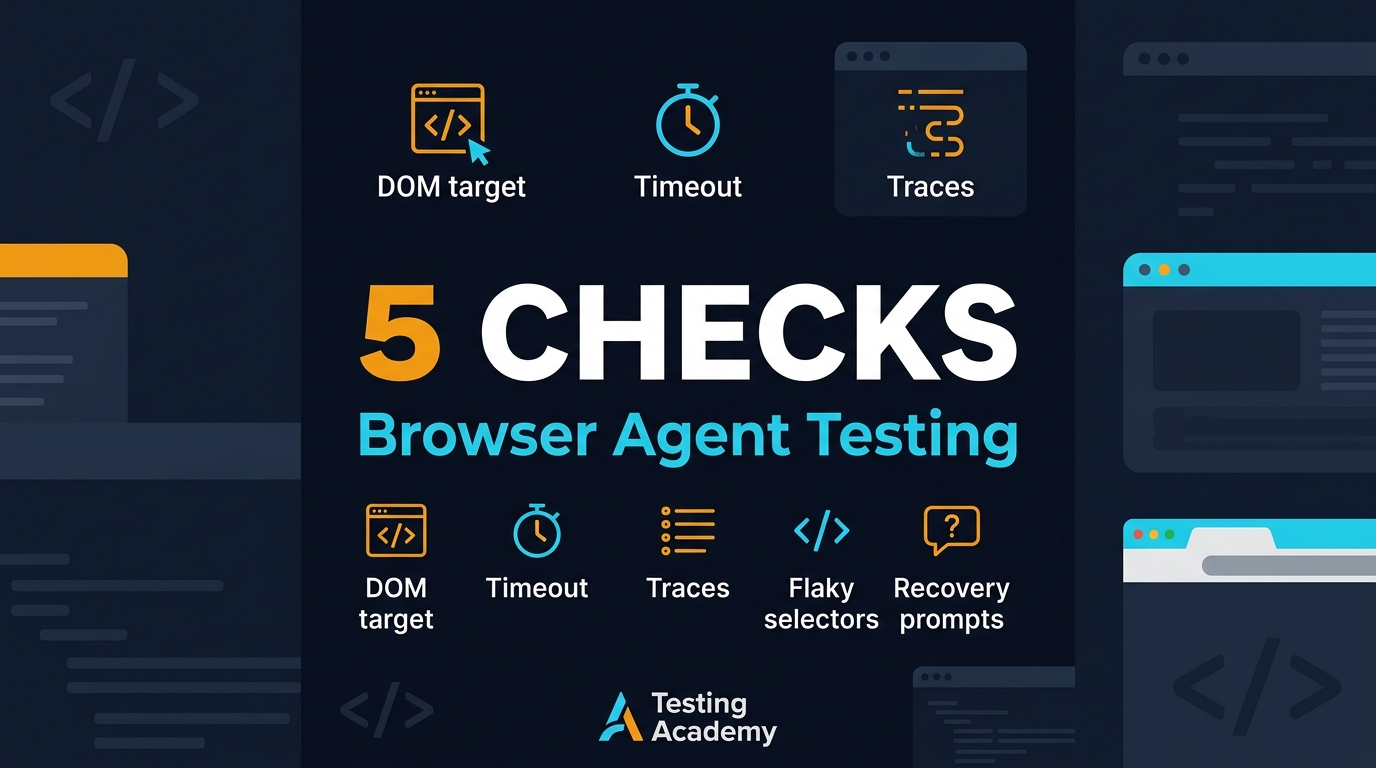
Browser agent testing becomes urgent when a small server release changes how an AI browser tool observes, acts, extracts, or recovers. Stagehand server v3.7.3 shipped on July 16, 2026, and the release is a good reminder that QA teams need a checklist for DOM targeting, timeouts, screenshots, traces, flaky selectors, and recovery prompts before they trust another green CI badge.
I use Stagehand as a strong example because Browserbase describes it as an AI browser automation framework in the official docs, the GitHub API showed 23,576 stars during research for this post, and the npm API reported 4,519,927 downloads for @browserbasehq/stagehand in the last month from 2026-06-20 to 2026-07-19. Those numbers do not prove quality, but they prove enough adoption that QA cannot treat browser agents as a toy.
Table of Contents
- Why Stagehand v3.7.3 Matters for Browser Agent Testing
- The Browser Agent Risk Map
- Browser Agent Testing for DOM Targeting
- Browser Agent Testing for Timeout Behavior
- Screenshots, Traces, and Evidence
- Flaky Selector Handling
- Recovery Prompts and Safe Retry Design
- CI Checklist for Browser Agent Releases
- India Context for SDETs and QA Leads
- FAQ
Contents
Why Stagehand v3.7.3 Matters for Browser Agent Testing
The Stagehand server v3.7.3 release notes list several changes that look small until you map them to QA risk. The release includes documentation for setDomainPolicy, a fix that silences an AI SDK system-message warning in act, extract, and observe, a fix for sourcing the browser skill from the CLI package, pricing additions for Sonnet 5, GPT-5.6, and Grok in Braintrust UI publishing, a CLI .env auto-loading warning with an opt-out flag, wording cleanup in docs, and an OdysseysBench evaluation addition.
A release note is a test-plan input
I do not read these notes as product trivia. I read them as test triggers. A warning in act, extract, and observe touches core agent execution. A domain policy doc touches network boundaries. A CLI .env change touches secret selection. An evaluation benchmark addition touches how teams compare model behavior across runs.
The release date matters too. A July 2026 browser-agent update can land in a team during an active sprint, while test owners are still treating AI actions like Playwright helper methods. An agent instruction can match the wrong control, invent a recovery path, or pass while hiding a policy violation.
What I would not waste time testing
I would not rebuild the Stagehand maintainers’ unit suite. That is not your job as a consuming QA team. Your job is to verify whether your product flows still behave safely when an agent receives natural-language instructions, observes the DOM, chooses targets, waits for state, captures evidence, and retries after failure.
- Validate the top 5 business flows, not every screen.
- Test one happy path and two ugly paths per flow.
- Save screenshots and traces for every agent decision.
- Treat environment variables as release inputs.
- Block production promotion when the agent cannot explain its target.
If your team is still building its evidence culture, start with this ScrollTest guide on AI test evidence for browser agents. The checklist below assumes you already agree that a green run without evidence is not a sign-off.
The Browser Agent Risk Map
Browser agents fail differently from classic test automation. A Playwright locator usually fails loudly when the element is missing. An AI browser agent may choose a different element, summarize the page incorrectly, recover with a bad second instruction, or continue after a hidden timeout. That is why browser agent testing needs a risk map before code.
The 5 failure buckets I track
- DOM targeting: the agent clicks, fills, or extracts from the wrong element.
- Timeout behavior: the agent waits too little, waits forever, or retries without a stop rule.
- Evidence quality: screenshots, traces, and logs do not explain what happened.
- Flaky selector handling: dynamic labels, skeleton loaders, hidden frames, and duplicate buttons confuse the action.
- Recovery prompts: the fallback instruction fixes one run and creates a bigger risk in the next run.
This is the part many QA teams skip. They jump from “the agent completed checkout once” to “let us add it to CI.” I see this mistake often with SDETs who are strong in Playwright but new to LLM-driven automation. The test passes once because the page is clean, the network is fast, and the instruction is obvious. Then a modal, cookie banner, A/B label, stale .env value, or slow third-party script changes the decision path.
The v3.7.3 signals
The v3.7.3 notes point to these exact buckets. The setDomainPolicy documentation PR explains allowed and blocked domain behavior. The browse CLI .env auto-loading PR describes a case where a stale shell-level Browserbase API key could take precedence over the expected project key. The OdysseysBench PR describes a 200-task benchmark with 45 easy, 46 medium, and 109 hard tasks. Those are practical test-plan signals, not footnotes.
A good QA lead converts those signals into gates. Network policy gets a domain allowlist test. Environment loading gets a secret-source test. Benchmark additions get a question: are we measuring agent behavior with weighted rubrics, or are we still counting “completed” as if every task has equal risk?
Browser Agent Testing for DOM Targeting
DOM targeting is the first place I look because it is the easiest failure to miss in a demo. The agent can click a button that looks right to a model but is wrong for the business flow. It can also extract the wrong price, choose the first matching card, or fill a disabled input after a design change.
Make targets observable
Your test wrapper should record the instruction, candidate target, page URL, visible text around the target, and the final action. Do not log only “act succeeded.” That message is useless during release review. For checkout, I want to know whether the agent selected the primary payment button, a saved-card button, or a promotional banner that also contains the word payment.
import { Stagehand } from '@browserbasehq/stagehand';

const stagehand = new Stagehand({
  env: 'LOCAL',
  modelName: process.env.STAGEHAND_MODEL ?? 'openai/gpt-5.6',
});

await stagehand.init();
const page = stagehand.page;
await page.goto(process.env.CHECKOUT_URL!);

const candidates = await page.observe('Find the button that submits the payment form');
console.log(JSON.stringify(candidates, null, 2));

await page.act('Click the payment submit button only if the order total is visible');
await page.screenshot({ path: 'artifacts/checkout-after-submit.png', fullPage: true });
await stagehand.close();
This code is not the full framework. It shows the habit: observe before act, print candidates, and save a screenshot after the action. When the run fails in CI at 2:00 AM, this artifact tells the SDET whether the failure is a product defect, a locator weakness, or an agent decision issue.
Create selector contracts
Browser agents do not remove the need for selector contracts. They make contracts more important. For critical flows, define the controls that the agent is allowed to touch. A prompt can say “click the submit button,” but the wrapper should still verify that the chosen target maps to a safe role, label, or data-testid.
- Use data-testid for payment, deletion, permission, and admin actions.
- Require role and accessible name checks for primary buttons.
- Block actions on hidden or disabled elements.
- Attach target metadata to the test report.
- Fail the run when the agent cannot explain why a target was selected.
For teams using Playwright heavily, pair this with a release-note smoke matrix like the one in this ScrollTest Playwright smoke test guide. Agent tests still need deterministic guardrails around the browser.
Browser Agent Testing for Timeout Behavior
Timeouts decide whether an agent test is useful or noisy. A normal UI test has timeouts around locators, navigation, assertions, and the overall test. A browser agent adds LLM latency, tool-call latency, observation retries, and recovery logic. If you do not design timeout behavior, CI will design it for you through random failures.
Use a timeout budget, not one giant timeout
I prefer a budget per agent step. For example, 10 seconds for deterministic page readiness, 20 seconds for observe, 30 seconds for act, 10 seconds for assertion, and one retry only for known transient UI states. A single 120-second timeout hides the real problem. It also slows down the whole pipeline when one agent step gets stuck.
import { test, expect } from '@playwright/test';

test('agent action has deterministic guardrails', async ({ page }, testInfo) => {
  await page.goto('/checkout');
  await expect(page.getByRole('heading', { name: /checkout/i })).toBeVisible({ timeout: 10_000 });

  const before = await page.locator('[data-testid="order-total"]').innerText();
  await testInfo.attach('precondition-total', { body: before, contentType: 'text/plain' });

  // Call your Stagehand wrapper here, not raw natural language in the test.
  const result = await runAgentStep(page, 'submit-visible-paid-order');

  expect(result.targetSource).toMatch(/role|data-testid|text/);
  expect(result.durationMs).toBeLessThan(30_000);
  await expect(page.getByText(/payment submitted/i)).toBeVisible();
});
The exact numbers will vary. A banking flow behind multiple third-party calls may need a different budget from an internal admin page. The principle does not change: record duration per step, fail with a reason, and avoid unlimited retries.
Build a timeout matrix
Create a small matrix before the upgrade. Run the same agent instruction under normal network, slow network, delayed API response, and hidden spinner conditions. You are not trying to simulate the whole internet. You are proving that the agent fails cleanly when the UI does not reach the state it expects.
- Normal network: action completes within the baseline budget.
- Slow network: action waits for visible readiness before acting.
- Delayed API: action does not click stale or disabled controls.
- Hidden spinner: action does not treat a skeleton as final content.
- Hard timeout: report includes screenshot, trace, URL, and instruction.
This is also where India teams save money. A 15-member QA team running noisy browser-agent tests across 20 pull requests per day burns engineering hours quickly. At ₹25-40 LPA SDET salary bands in product companies, flaky triage has a real cost.
Screenshots, Traces, and Evidence
Screenshots and traces are not optional in browser agent testing. They are the difference between a useful failure and a Slack thread full of guesses. I want evidence before the action, after the action, and after the assertion. For high-risk flows, I also want a text dump of visible landmarks and the agent instruction that caused the action.
Minimum evidence pack
- Pre-action screenshot: page state before the agent chooses a target.
- Observation log: candidate targets or extracted fields.
- Action log: natural-language instruction plus chosen target metadata.
- Post-action screenshot: page state immediately after action.
- Trace file: browser-level timeline with network and console events.
- Assertion result: deterministic pass or fail with expected text.
This matches the approach I recommend in the browser agent test evidence guide. A human reviewer should be able to open one folder and answer: what did the agent see, what did it do, why did it do it, and what changed after the action?
Name artifacts like a release system
Do not save files as screenshot1.png and trace.zip. Use names that survive a release review: checkout-submit-agent-v373-before.png, checkout-submit-agent-v373-after.png, checkout-submit-agent-v373-trace.zip. Add build number, model name, browser, and environment. When a Stagehand or model update changes behavior, you need to compare evidence across runs without guessing.
I also keep an evidence index in JSON. It lists flow name, instruction, model, Stagehand version, retry count, screenshot paths, trace path, duration, and final decision. That one file makes weekly review easier for QA managers and gives developers a clean reproduction path.
Flaky Selector Handling
Flaky selectors do not disappear because an LLM can read a page. They change shape. Instead of “locator resolved to 2 elements,” you may get “agent clicked the second Save button because it inferred the form context incorrectly.” That is still selector flakiness. It is just wearing an AI jacket.
Add ambiguity tests
Create pages or fixtures with duplicate buttons, repeated cards, translated labels, hidden modals, and delayed content. Ask the agent to complete the same task. The goal is not to trick the model. The goal is to prove that your wrapper catches ambiguity before the action becomes destructive.
- Two buttons named Save in different panels.
- A disabled Continue button above an enabled Continue button.
- A cookie banner covering the real CTA.
- A translated label where English text is missing.
- A list with 10 similar customer rows and one exact customer ID.
Use healing with limits
Self-healing selectors sound great until they heal into the wrong business action. I allow healing for low-risk navigation and read-only extraction. I do not allow automatic healing for payment, deletion, role changes, production data edits, or customer communication. Those actions need deterministic contracts and human-readable evidence.
A practical rule: if a failed selector leads to an irreversible or customer-visible action, the recovery prompt can collect evidence but cannot execute the next click. It should stop, classify the failure, and ask for review.
Recovery Prompts and Safe Retry Design
Recovery prompts are where browser agent testing becomes serious. A recovery prompt can rescue a flaky run. It can also hide a product defect, click around a permission problem, or train the team to ignore broken preconditions. I treat recovery prompts like production code. They need versioning, review, and tests.
Start with one retry
My default is one retry for agent actions. The retry must include a new observation, a fresh screenshot, and a reason code. If it fails again, the run stops. Three retries may make the dashboard greener, but they also create longer feedback loops and weaker trust.
type AgentFailure = {
  category: 'dom-targeting' | 'timeout' | 'network-policy' | 'visual-drift' | 'recovery-prompt';
  pageUrl: string;
  instruction: string;
  selectorCandidate?: string;
  screenshotPath: string;
  tracePath: string;
  retryCount: number;
};

export function classifyFailure(failure: AgentFailure) {
  if (failure.retryCount > 1 && failure.category === 'dom-targeting') return 'quarantine-selector';
  if (failure.category === 'network-policy') return 'block-release-until-domain-reviewed';
  return 'needs-human-review';
}
Classify before recovering
The recovery prompt should first classify the failure. Is this DOM targeting, timeout, network policy, visual drift, or missing test data? Then it can decide the next safe action. This avoids the common anti-pattern where every failure gets the same vague instruction: “try again carefully.” That prompt is not a strategy. It is a coin toss.
This is where LLM eval thinking helps. If you already run evals in CI, connect the same discipline to browser agents. The Eval CI portfolio guide shows how QA engineers can present eval evidence as engineering work, not as random AI experiments.
CI Checklist for Browser Agent Releases
A release like Stagehand server v3.7.3 should trigger a small CI checklist. You do not need 200 tests for every patch release. You need the right 12 to 20 checks mapped to the changed surface area. For this release, I would focus on domain policy, act/extract/observe warnings, CLI environment loading, benchmark reporting, and your top browser-agent flows.
Before upgrade
- Pin the current Stagehand version and capture a baseline run.
- Save screenshots, traces, and JSON evidence for 5 critical flows.
- Record current environment-variable source for Browserbase and model keys.
- List allowed and blocked domains for test sessions.
- Identify any test that depends on auto-loaded .env files.
After upgrade
- Run the same 5 critical flows with the new version.
- Compare target metadata, duration, screenshots, and trace files.
- Verify act, extract, and observe logs do not hide new warnings.
- Run one blocked-domain test and one allowed-domain test.
- Run one stale-env test to prove the expected key is selected.
- Fail CI if evidence is missing, not only when assertions fail.
This checklist is intentionally boring. Boring is good in release engineering. If every upgrade becomes a heroic debugging session, the process is broken. A predictable checklist lets a QA lead assign the work to one SDET and finish the sign-off in a morning.
What to report to engineering
Report behavior changes, not vibes. Say: “checkout-submit switched from role=button name=Pay Now to text=Pay in the promotional drawer,” or “observe duration moved from 4.2 seconds to 14.8 seconds under slow network.” That style gets developer attention because it points to a concrete failure.
India Context for SDETs and QA Leads
In India, browser agent testing is already becoming a career separator. Manual testers moving to automation cannot stop at Selenium syntax. SDETs who want ₹25-40 LPA product-company roles need to show they can test AI-assisted workflows, not just write locators. Service-company teams at TCS, Infosys, Wipro, or Cognizant will also see this demand from clients as AI agents enter internal tooling and customer operations.
Portfolio proof beats buzzwords
A strong portfolio project is simple: add a Stagehand browser-agent flow to one demo app, then publish the timeout matrix, flaky-selector cases, screenshots, traces, and recovery classification.
Manager view
For QA managers, the question is ownership. If agents are shipped by platform teams and tested by nobody, production will become the test environment. Assign an owner for agent evidence, model and tool version tracking, CI gates, and failure taxonomy. This is not extra bureaucracy. It is how you stop AI automation from becoming unreviewed automation.
I would rather see a team run 10 well-instrumented browser-agent tests than 100 green flows with no target logs, no traces, and no recovery classification. The first team can improve. The second team is guessing.
Key Takeaways: Browser Agent Testing After v3.7.3
Browser agent testing needs a release-engineering mindset. Stagehand server v3.7.3 is not scary, but it touches enough surface area to justify a focused checklist before teams update their CI runs.
- Use the release notes as test-plan input, not reading material.
- Validate DOM targeting with candidate logs and screenshots.
- Set timeout budgets per agent step instead of one giant timeout.
- Store evidence packs with screenshots, traces, instructions, and target metadata.
- Limit recovery prompts for destructive or customer-visible actions.
- Test .env and domain-policy behavior when CLI or server behavior changes.
My recommendation is direct: do not block browser agents because they are new, but do not trust them because they passed once. Put evidence around every action. Put budgets around every wait. Put stop rules around every recovery prompt. That is how browser agent testing becomes engineering, not demo magic.
FAQ
What is browser agent testing?
Browser agent testing is the practice of validating AI-driven browser actions with deterministic checks, evidence, timeout budgets, target logs, and safe recovery rules. It tests both the application and the agent decision path.
What changed in Stagehand server v3.7.3?
The official release notes mention setDomainPolicy docs, AI SDK warning cleanup in act/extract/observe, browser skill sourcing, Braintrust UI pricing updates, a browse CLI .env auto-loading warning and opt-out flag, wording changes in docs, and OdysseysBench eval support.
How many tests should I run before upgrading?
For most teams, I would start with 12 to 20 focused checks: 5 critical business flows, 3 timeout scenarios, 3 DOM ambiguity cases, 2 domain-policy checks, and 1 environment-loading check. Add more only when the product risk justifies it.
Can I use Playwright with Stagehand?
Yes. Stagehand fits naturally into a Playwright-style workflow because you can still use deterministic assertions, screenshots, traces, and fixtures around agent actions. The key is to avoid raw natural-language steps with no wrapper or evidence.
Should browser agents run in CI?
Yes, but only with guardrails. Run a small, stable pack in CI first. Save evidence, pin versions, cap retries, and classify failures. Do not add broad agent flows to CI until you can explain every pass and every fail.