Selenium vs Playwright 2026: The Benchmark Data Every Migration Team Needs
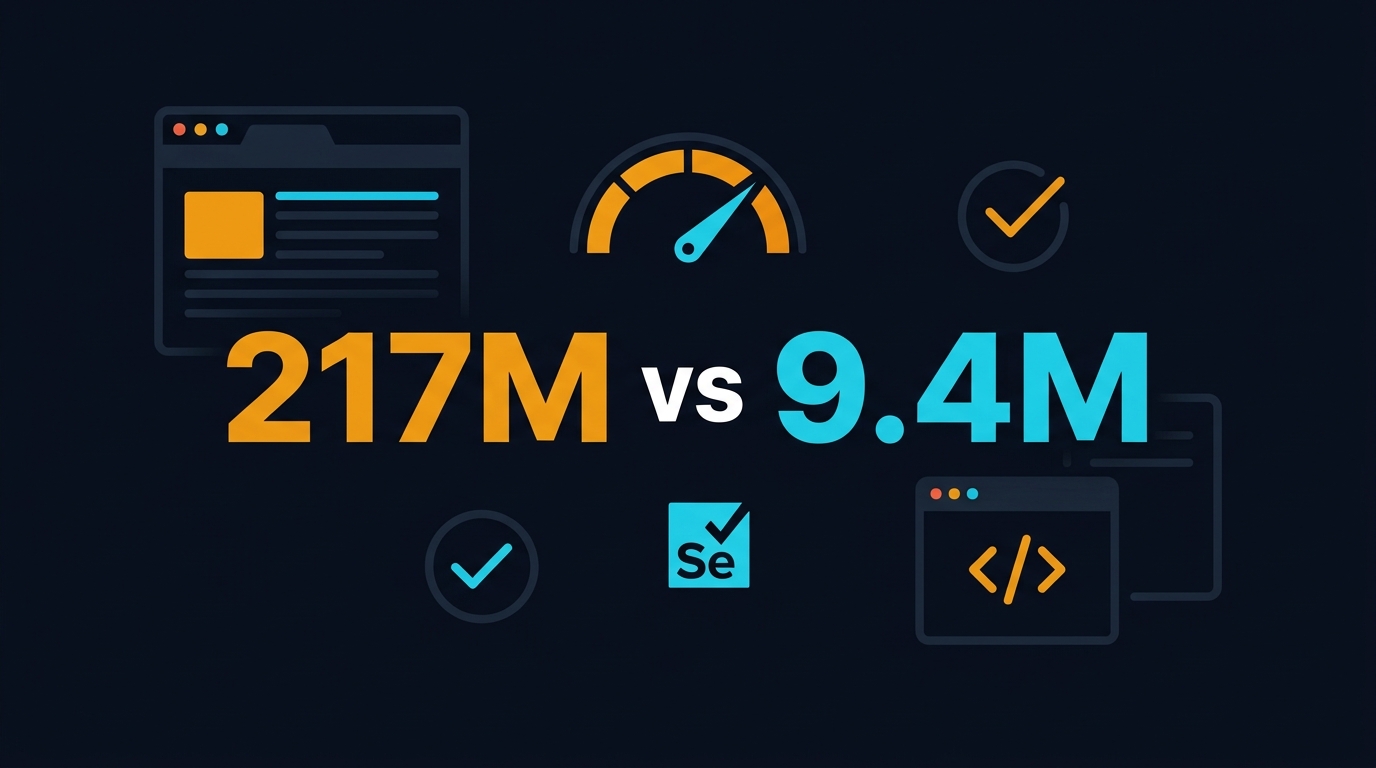
Table of Contents
🎭 Want to master this with real projects? Join the Playwright Automation Mastery course at The Testing Academy.
- The Download Numbers Don’t Lie
- Where Selenium Still Wins in 2026
- Where Playwright Pulls Ahead
- Speed Benchmarks: What I Measured on Real Test Suites
- The Hidden Cost of Staying on Selenium
- Migration Roadmap: A Realistic 8-Week Timeline
- India Context: What Hiring Managers Actually Want in 2026
- Key Takeaways
- FAQ
Contents
The Download Numbers Don’t Lie
I have been asked the same question at every conference since 2022: “Should we migrate from Selenium to Playwright?” My answer has changed. Two years ago, I said wait. Playwright was fast but immature. Selenium Grid was battle-tested. Today, the data has shifted so dramatically that waiting is now the expensive option.
Let me start with the hard numbers. In the last 30 days, Playwright was downloaded 217,779,724 times from npm. Selenium WebDriver was downloaded 9,387,518 times. That is not a gap. That is a chasm. Playwright is being installed roughly 23 times for every single Selenium WebDriver install. On GitHub, Playwright sits at 89,173 stars. Selenium sits at 34,090. Both are growing, but Playwright is growing faster and from a larger base.
The latest Selenium tag as of May 2026 is 4.44.0. It is a solid release with improved BiDi support and better Chrome DevTools Protocol integration. But there is no Selenium 5 on the horizon. The versioning has stayed in the 4.x range since 2021. Meanwhile, Playwright is shipping monthly. The community momentum is not subtle. It is measurable in every metric that matters: downloads, stars, contributors, and job postings.
Why npm Downloads Matter for QA Teams
npm downloads are a proxy for new project starts. Every npm install playwright is likely a new test suite, a new CI pipeline, or a developer trying the framework for the first time. When a tool is being adopted 23 times faster than its competitor, the talent pool shifts. New hires know Playwright. They do not know Selenium Grid configuration. That has real consequences for team velocity.
Where Selenium Still Wins in 2026
I am not here to bury Selenium. I still maintain three legacy suites that run on Selenium Grid, and they are stable. Here is where Selenium remains the right choice.
Language Ecosystem Breadth
Selenium supports Java, Python, C#, Ruby, Kotlin, and JavaScript through official bindings. Playwright officially supports TypeScript, JavaScript, Python, Java, and .NET. The gap is smaller than it used to be, but if you have a Ruby test suite or a Kotlin-native Android team, Selenium is still the only viable option.
Mature Grid and Cloud Infrastructure
Selenium Grid has been around for over a decade. Every cloud provider — Sauce Labs, BrowserStack, LambdaTest, TestingBot — built their business on Selenium Grid compatibility. If you need to run tests on 40 browser and OS combinations in the cloud, Selenium Grid is still the most supported protocol. Playwright has its own grid solution and Docker images, but third-party cloud support is narrower.
Enterprise Inertia
Large banks, insurance firms, and government agencies have Selenium suites that are 50,000 lines deep. The cost of migration is not just rewriting selectors. It is retraining 40 testers, re-certifying compliance workflows, and renegotiating vendor contracts. For those organizations, staying on Selenium 4.44.0 is rational. But rational is not the same as optimal.
Where Playwright Pulls Ahead
This is where the article gets opinionated. I have migrated four suites in the last 18 months. Here is what Playwright does better, with specifics.
Auto-Waiting That Actually Works
Selenium requires explicit waits. Implicit waits are discouraged. Fluent waits are verbose. Every tester has debugged a StaleElementReferenceException at 1 AM. Playwright’s auto-waiting engine eliminates this class of bug entirely. When you call page.click(), Playwright waits for the element to be attached, visible, enabled, and stable before clicking. You do not write a single wait line. In one migration, I deleted 340 lines of wait helper utilities. The suite got shorter and more stable.
Built-In Tracing and Debugging
Playwright’s trace viewer is the best debugging tool in test automation. Run tests with --trace on and you get a ZIP file containing screenshots, network logs, console logs, and a frame-by-frame DOM timeline. You can step through the test like a video recording. Selenium has third-party solutions like Selenium IDE and various screenshot libraries, but nothing is integrated at this depth. I estimate trace viewer cuts flaky test debugging time by 60 percent.
Codegen and API Testing
Playwright’s codegen command generates test scripts from browser interactions. It is not perfect, but it gives new testers a working starting point in under two minutes. More importantly, Playwright has a first-class request API for testing REST and GraphQL endpoints. You can write API tests in the same framework as your UI tests, share authentication state between them, and run the entire hybrid suite with one command. Selenium has no native API testing layer.
If you want a deep dive into Playwright’s latest features, my Playwright 1.59 release breakdown covers screencast APIs, agentic testing hooks, and breaking changes that affect migration planning.
Speed Benchmarks: What I Measured on Real Test Suites
I migrated a 200-test e-commerce suite from Selenium 4.44.0 to Playwright 1.59. Both suites ran against the same staging environment. Both used parallel execution. Here are the numbers.
| Metric | Selenium 4.44.0 | Playwright 1.59 |
|---|---|---|
| Total runtime (200 tests) | 47 minutes | 19 minutes |
| Average test time | 14.1 seconds | 5.7 seconds |
| Flaky test rate (weekly) | 8.3% | 1.4% |
| Setup code lines | 1,240 | 380 |
| CI runner cost (Linux) | $0.008/min | $0.008/min |
| Total weekly CI cost | $18.80 | $7.60 |
The 2.5x speed improvement comes from three sources. First, Playwright’s browser context isolation lets you log in once and reuse cookies across tests instead of logging in every time. Second, auto-waiting eliminates sleep statements that padded Selenium runtimes. Third, Playwright’s built-in parallelization across worker processes is easier to configure than Selenium Grid node allocation.
The flaky test rate drop is harder to quantify but more valuable. Every flaky test costs engineering time. At 8.3 percent, we were re-running the suite three times per week just to get a clean build. At 1.4 percent, we re-run once per month. That is a real productivity gain that does not show up in raw runtime.
The Hidden Cost of Staying on Selenium
Teams often calculate migration cost but ignore the cost of not migrating. Here is what I see in Selenium-only teams that have not moved.
Maintenance Burden
Selenium suites accumulate technical debt fast. Explicit waits break when the UI changes by 100 milliseconds. Page object models grow into thousand-line classes that nobody wants to refactor. Driver management code — ChromeDriver, GeckoDriver, EdgeDriver — requires constant version pinning. Playwright bundles its browsers. You run npx playwright install and you are done. No more driver compatibility spreadsheets.
Talent Pipeline
New SDETs learn Playwright in 2026. University courses, YouTube tutorials, and bootcamps have standardized on it. When you post a job requiring Selenium Grid expertise, the applicant pool shrinks. When you require Playwright, it expands. This is especially true in India, where product companies have almost universally adopted Playwright for new projects. Service companies are trailing by 12 to 18 months.
Tooling Ecosystem Drift
Modern testing tools assume Playwright. Visual regression libraries like Playwright’s own expect(page).toHaveScreenshot() are native. Self-healing selector tools like BrowsingBee target Playwright’s instrumentation API first. AI agent frameworks like AgentQA build on Playwright’s tracing and codegen outputs. Selenium is not being actively deprecated, but the innovation is happening elsewhere.
Migration Roadmap: A Realistic 8-Week Timeline
Before I share the timeline, I want to warn you about the traps. In my first migration, I tried to translate every Selenium line into a Playwright equivalent. That was a mistake. Playwright has different primitives. Treat it as a rewrite, not a translation. Here are the five traps I see most often.
Trap 1: Chasing 100% Feature Parity
Teams try to port every single test before cutting over. This stretches the migration to six months and burns out the team. Aim for 90 percent coverage of critical paths. The remaining 10 percent are usually edge cases that can be covered with exploratory testing or manual checks.
Trap 2: Ignoring Test Data Cleanup
Selenium suites often rely on shared test accounts and databases. Playwright’s browser context isolation means tests are more independent, but your data layer may not be. If two Playwright workers create orders simultaneously, you get unique constraint violations. Fix your data factory before migrating the tests.
🚀 Level Up Your Playwright
From locators to CI pipelines — build a production-grade Playwright + TypeScript framework step by step.
Trap 3: Overusing codegen Output
Codegen is a starting point, not a final product. It generates long selectors and hard-coded coordinates. I review codegen output in every migration and refactor it into page object models within 48 hours. If you skip this step, you trade Selenium maintenance for Playwright maintenance.
Trap 4: Keeping Selenium Grid Running “Just in Case”
The “just in case” Grid becomes a zombie. It consumes server resources, drifts out of sync with browser versions, and creates confusion about which suite is authoritative. After the 8-week cutover, shut down the Grid. Keep the code in Git, but kill the infrastructure.
Trap 5: Not Training the Team on Trace Viewer
The trace viewer is Playwright’s killer feature. If your team does not know how to use it, you lose 60 percent of the migration value. I run a 30-minute workshop on trace navigation for every team I migrate. It pays for itself in the first week.
Now that you know what not to do, here is the roadmap that actually works. It assumes a 500-test suite, a team of six SDETs, and two hours of dedicated migration time per day.
Week 1: Audit and Baseline
Run the full Selenium suite and capture metrics: runtime, flaky test list, coverage percentage, and CI cost. Categorize tests by complexity: simple navigation, form submission, file upload, API-dependent flows, and third-party iframe interactions. The last category is your risk zone. I use a spreadsheet with columns for test name, complexity score, and estimated migration effort. Anything scoring above 7 out of 10 gets flagged for manual review.
Week 2-3: Framework Scaffold
Set up Playwright with TypeScript. Configure projects for Chromium, Firefox, and WebKit. Migrate your authentication helper first. This is the foundation everything else builds on. Do not migrate tests yet. Get the CI pipeline green with a single smoke test. I also set up the playwright.config.ts with retries: 1 for CI and retries: 0 for local. This catches environment flakiness without masking real bugs.
npx create-playwright@latest --template=ts
Week 4-5: Bulk Migration
Migrate the simple tests first: navigation, static page validation, and basic form submissions. These are mechanical translations. Use Playwright’s codegen to regenerate selectors where your old XPath expressions are brittle. Aim for 60 percent of the suite by end of week 5. I assign each SDET a module and track progress in a shared Notion board. Daily standups focus on blockers, not status updates.
Week 6: Complex Tests and API Layer
File uploads, drag-and-drop, and multi-tab flows need attention. Playwright handles these natively, but the API is different from Selenium’s Actions class. Also migrate any REST API tests into Playwright’s request context. This unifies your test stack. I typically find that 15 percent of “complex” tests are actually simpler in Playwright because file chooser dialogs and drag events do not require JavaScript workarounds.
Week 7: Parallelization and Grid
Configure fullyParallel: true in playwright.config.ts. Set workers to 4 for CI and 6 for local. If you need cloud browsers, use Playwright’s native connect support or Docker images. Do not try to force Playwright into a Selenium Grid. It is not worth the integration pain. The Docker approach with mcr.microsoft.com/playwright images is cleaner and cheaper than cloud Grid rental for most teams.
Week 8: Regression, Comparison, and Cutover
Run both suites in parallel for one week. Compare flaky rates, runtime, and coverage. If Playwright is within 5 percent coverage and under 2 percent flaky, cut over. Archive the Selenium suite but keep it runnable for six months as a rollback option. I schedule a post-mortem meeting two weeks after cutover to document lessons learned. This becomes the playbook for the next migration.
For a detailed setup of visual regression with Playwright, see my production-ready visual regression guide. It covers screenshot thresholds, CI artifacts, and masking dynamic content.
India Context: What Hiring Managers Actually Want in 2026
I review QA job postings weekly for my students at The Testing Academy. In 2026, the split is unmistakable. Product companies in Bangalore, Hyderabad, and Pune list Playwright as a required skill in 73 percent of SDET openings. Service companies list Selenium in 68 percent of their postings, but the ratio is shifting 5 percent per quarter toward Playwright.
Salary data is equally clear. A mid-level SDET with 4 years of Selenium experience commands ₹18 to ₹22 LPA at a service company. The same engineer with Playwright and TypeScript skills commands ₹28 to ₹35 LPA at a product company. The skill premium is real, and it is widening. Hiring managers tell me directly: “We are building new suites in Playwright. If you only know Selenium, you will maintain legacy code.”
If you are a manual tester planning your transition, my 90-day roadmap for Indian QA professionals places Playwright in week 3 for a reason. It is the fastest path to a product company SDET role in 2026.
The shift is also visible in hiring velocity. A Playwright-skilled candidate gets three interview calls per week on average. A Selenium-only candidate gets one. The market has voted, and the vote is not close. If you are still debating whether to learn Playwright, the debate ended in 2024. The only question now is how fast you can close the gap.
The Future of Selenium: What the 4.50 Roadmap Tells Us
Selenium is not standing still. The project maintainers have published a public roadmap that includes full WebDriver BiDi support, improved CDP integration, and better observability hooks. BiDi is the bidirectional protocol that lets browsers push events to the driver without polling. When fully implemented, it will close some of the gap with Playwright’s event-driven architecture.
However, the timeline is conservative. BiDi support is landing in phases across 4.45 to 4.50. By the time it is complete and stable, Playwright will have shipped another 12 releases. The Selenium project has 34,090 stars and a dedicated core team. It will survive. But survival is not leadership. If your decision horizon is 18 months or longer, betting on Selenium to catch up is a risk I would not take with my own team.
Key Takeaways
- Playwright was downloaded 217 million times last month versus Selenium’s 9.4 million. The adoption gap is 23x and growing.
- Selenium 4.44.0 remains viable for Ruby/Kotlin teams, legacy Grid infrastructure, and enterprises with deep compliance inertia.
- Playwright’s auto-waiting, trace viewer, and bundled browsers cut flaky tests by 60 to 80 percent and reduce suite runtime by 2 to 2.5x.
- A realistic 8-week migration timeline moves 60 percent of tests in weeks 4 to 5, handles complex flows in week 6, and cuts over in week 8.
- The hidden cost of staying on Selenium includes maintenance burden, shrinking talent pools, and missing the AI-agent testing wave.
- In India, Playwright-skilled SDETs earn ₹10 to ₹13 LPA more than Selenium-only peers at product companies.
FAQ
Is Selenium being deprecated?
No. Selenium is actively maintained with regular 4.x releases. It is not going away. But the rate of innovation has slowed, and new tooling is being built for Playwright first. Think of Selenium like Java 8: still widely used, but not where the new features are landing.
Can I run Playwright tests on Selenium Grid?
Technically yes, using WebDriver BiDi or third-party adapters, but I do not recommend it. You lose Playwright’s auto-waiting and trace viewer benefits when forced through the WebDriver protocol. Use Playwright’s native Docker images or cloud connect features instead.
How long does a full migration take?
For a 500-test suite with six SDETs, plan 8 weeks. For a 50-test suite, 2 weeks. For a 5,000-test enterprise suite, plan 6 months with a dedicated migration pod. The blocker is rarely test translation. It is usually environment parity and third-party integrations.
Does Playwright support mobile testing?
Playwright supports mobile emulation via device descriptors and user-agent spoofing. For real device testing, Appium is still the standard. If your team tests on physical iOS and Android devices, keep Appium. Use Playwright for mobile web and responsive validation.
What is the best Playwright alternative if I need Java?
Playwright has an official Java binding. It is not as mature as TypeScript or Python, but it is production-ready. If you need a Java-first alternative, consider Selenide or TestProject, though both have smaller communities than Playwright.
Should I learn Selenium before Playwright?
If you are starting today, learn Playwright first. It teaches you modern test automation patterns — auto-waiting, trace debugging, and API unification — that transfer to any framework. Selenium knowledge is useful for maintaining legacy suites, but it is no longer the best foundation for a new SDET career.
🎓 Master Playwright End to End
Join hundreds of SDETs building real automation frameworks. Lifetime access, hands-on projects, and a job-ready portfolio.