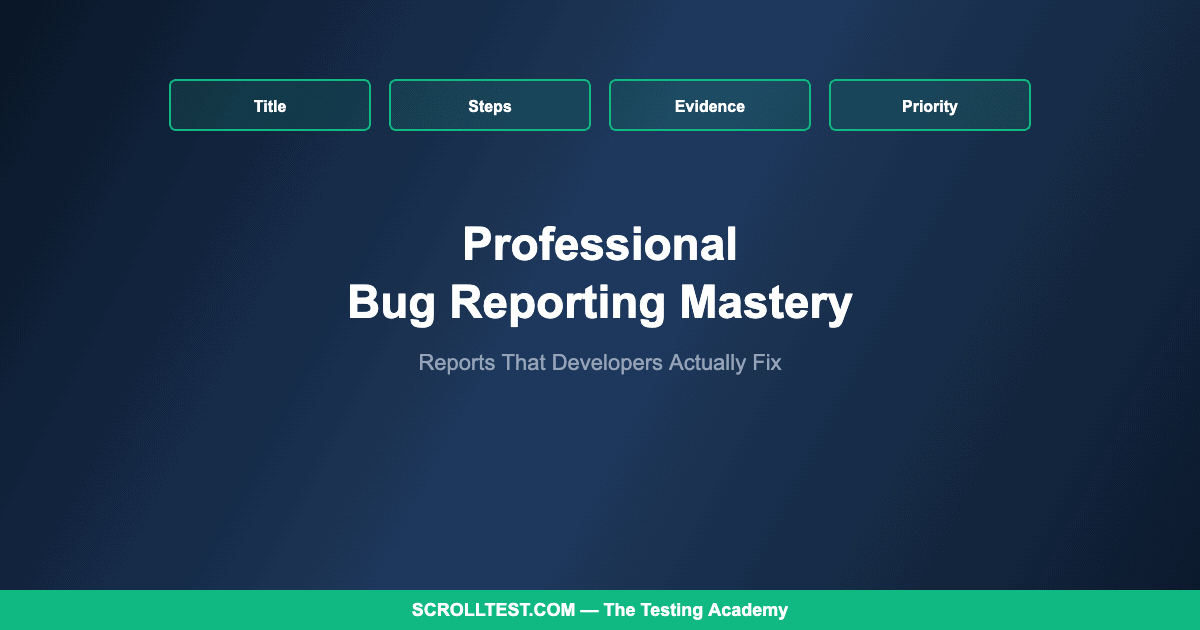
Professional Bug Reporting Mastery: How to Write Reports That Developers Actually Act On
Arjun Jasani, a CAPM-certified QA professional, recently spotted a bug on Zomato’s mobile app: the search bar displayed raw styling tokens — “Showing results for <semibold-300|{black-500|idli}>” instead of “Showing results for idli.” He correctly classified it as severity minor, priority medium, and noted: “does not break functionality, but affects UI polish and user perception.” That instinct — finding the bug, classifying it accurately, and communicating its impact clearly — is what separates great QA engineers from average ones. This guide teaches that instinct systematically.
🎭 Want to master this with real projects? Join the Playwright Automation Mastery course at The Testing Academy.
The difference between a bug report that gets fixed this sprint and one that languishes in the backlog for months is not the severity of the bug — it is the quality of the report. Developers prioritize bugs they can understand quickly, reproduce easily, and fix confidently. A well-structured report with clear steps, accurate classification, and supporting evidence creates the conditions for fast resolution. A vague report with missing context creates friction that pushes the bug down the priority list.
Contents
The Anatomy of an Excellent Bug Report
A strong title summarizes the bug in one line that a developer can understand without opening the ticket. “Search bar displays raw styling tokens instead of formatted text on Zomato search results page” is specific, searchable, and immediately communicates the problem. “UI bug in search” is useless — it forces the developer to read the entire report before understanding what you found.
Steps to reproduce are the single most important section. They must be specific enough that any developer can reproduce the bug on their first attempt. “1. Open Zomato app on Android 14 (Pixel 7). 2. Tap the search bar. 3. Type ‘idli’ and press search. 4. Observe the search results header.” Each step is an action. Each step is numbered. There are no assumptions about the starting state.
Expected versus actual results make the bug explicit. Expected: “Search results header displays ‘Showing results for idli’ with formatted text.” Actual: “Search results header displays ‘Showing results for <semibold-300|{black-500|idli}>’ with raw styling tokens visible.” This pairing eliminates ambiguity about whether the observed behavior is a bug or expected functionality.
Environment details scope the bug. Device, operating system version, app version, network condition, and user account type all affect reproducibility. A bug that only appears on Android 14 with the latest app version in a specific locale is a very different priority than one that appears on every platform.
Screenshots and recordings provide irrefutable evidence. A screenshot of the Zomato styling token bug communicates the problem more effectively than any written description. For intermittent bugs, a screen recording that captures both the setup and the failure is invaluable for developers trying to understand the timing and context.
Severity vs Priority: The Framework
Severity measures technical impact: how badly the bug breaks functionality. Priority measures business impact: how urgently the bug needs to be fixed. These are not the same thing. A crash in an admin panel used by three internal employees is high severity (crash) but low priority (tiny user base). A typo on the homepage is low severity (cosmetic) but high priority (millions of users see it, brand perception affected).
The Zomato styling token bug is a textbook example: severity is minor (functionality works, the search returns correct results), but priority is medium (visible to every user who searches, affects perceived app quality). Arjun’s classification was spot-on because he evaluated both dimensions independently rather than conflating them.
🚀 Level Up Your Playwright
From locators to CI pipelines — build a production-grade Playwright + TypeScript framework step by step.
The Art of Observational Testing
The best bug finders are not the ones running scripted test cases — they are the ones who notice anomalies while using applications as real users. Arjun found the Zomato bug not during formal testing but while ordering food. Michael Bolton, one of the most respected voices in testing, has been posting about applying this observational mindset to AI-powered tools — testing Claude by watching it “perform surprising actions” and investigating the why behind those surprises.
Cultivating this observational skill requires deliberate practice. Every time you use any application, ask yourself: is this text formatted correctly? Does this animation feel smooth? Did the page load as quickly as expected? Is this error message helpful? Does this feature behave the same way it did yesterday? Most bugs in production are not obscure edge cases — they are visible issues that everyone encounters but only observant testers notice and report.
The Honest Caveats
Perfect bug reports take time, and there is a practical trade-off between report quality and throughput. For critical production bugs, a brief report with screenshots is better than a perfect report delivered an hour later. For backlog bugs, investing in a thorough report increases the likelihood of resolution. Match your reporting effort to the bug’s urgency.
The severity/priority framework I described is one of many. Some organizations use a single priority field. Others use impact/likelihood matrices. The specific framework matters less than consistent, team-agreed classification that enables reliable prioritization.
Professional bug reporting — including templates, classification frameworks, and observational testing techniques — is covered in the QA Fundamentals module of my AI-Powered Testing Mastery course.
🎓 Master Playwright End to End
Join hundreds of SDETs building real automation frameworks. Lifetime access, hands-on projects, and a job-ready portfolio.