API + UI Hybrid Testing: 3 Patterns That Catch the Bugs Your Separate Test Suites Miss
A QA team at a SaaS company had two test suites that never talked to each other. The API test suite verified that the REST endpoints returned correct responses. The UI test suite verified that buttons clicked, forms submitted, and pages rendered. Both suites were green.
In production, users reported that submitting a form on the settings page appeared to succeed — the UI showed a success toast notification — but the changes never persisted. The API returned a 200 status code with an empty body (instead of the updated settings object), and the UI frontend interpreted the empty body as “no errors” rather than “no data.”
The API tests verified the endpoint returned 200. Correct. The UI tests verified the success toast appeared. Correct. Neither test verified that the data round-tripped from UI input through the API and back to the UI display.
This is the gap that hybrid API+UI testing closes.
Contents
Why Separate API and UI Tests Aren’t Enough
The traditional testing pyramid says: write many unit tests, fewer integration tests, and even fewer UI tests. This is sound advice for managing test maintenance and execution speed. But it creates a blind spot at the seam between layers.
API tests verify backend contracts. UI tests verify frontend behavior. Neither verifies the integration contract — the agreement between frontend and backend about data shapes, error handling, state transitions, and edge cases. That integration contract is where most production bugs live.
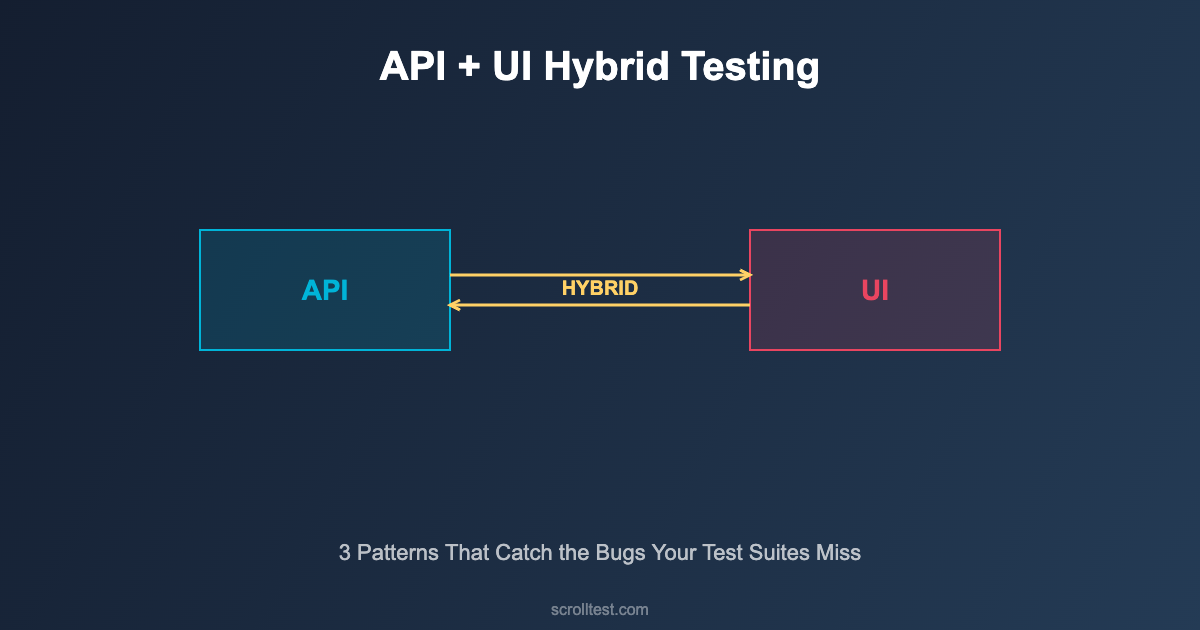
Hybrid testing isn’t about replacing API or UI tests. It’s about adding a targeted layer that validates the handshake between them.
The Hybrid Testing Architecture
A hybrid test combines API calls and browser interactions in a single test scenario. It might use the API to set up test state, use the browser to perform a user action, then use the API to verify the state changed correctly. Or it might perform a UI action and intercept the network request to verify the correct API call was made.
Pattern 1: API Setup → UI Action → API Verification
Use the API to create test data (faster, more reliable than UI), interact with the UI to perform the user-facing action, then verify the result via API (more thorough than checking UI elements).
import { test, expect, request } from '@playwright/test';

test('user can update profile settings end-to-end', async ({ page }) => {
  // API Setup: Create user and get auth token
  const apiContext = await request.newContext({
    baseURL: 'https://api.example.com',
  });

  const loginRes = await apiContext.post('/auth/login', {
    data: { email: 'test@example.com', password: 'testpass123' }
  });
  const { token, userId } = await loginRes.json();

  // Get current profile state via API
  const profileBefore = await apiContext.get(`/users/${userId}`, {
    headers: { 'Authorization': `Bearer ${token}` }
  });
  const originalName = (await profileBefore.json()).name;

  // UI Action: Update profile through the browser
  await page.goto('https://app.example.com/settings');
  await page.fill('[data-testid="display-name"]', 'Updated Name');
  await page.click('[data-testid="save-settings"]');

  // Wait for success indicator
  await expect(page.locator('.toast-success')).toBeVisible();

  // API Verification: Confirm the change persisted
  const profileAfter = await apiContext.get(`/users/${userId}`, {
    headers: { 'Authorization': `Bearer ${token}` }
  });
  const updatedProfile = await profileAfter.json();

  expect(updatedProfile.name).toBe('Updated Name');
  expect(updatedProfile.name).not.toBe(originalName);
  expect(updatedProfile.updatedAt).not.toBe(
    (await profileBefore.json()).updatedAt
  );
});
Pattern 2: Network Interception
Intercept network requests during UI interactions to verify the frontend sends correct API calls with proper payloads, headers, and authentication.
import { test, expect } from '@playwright/test';

test('checkout form sends correct payment payload', async ({ page }) => {
  let capturedRequest = null;

  // Intercept the payment API call
  await page.route('**/api/payments', async (route) => {
    capturedRequest = route.request();
    // Let the request continue to the real server
    await route.continue();
  });

  // Navigate and fill checkout form
  await page.goto('https://app.example.com/checkout');
  await page.fill('#card-number', '4111111111111111');
  await page.fill('#card-expiry', '12/28');
  await page.fill('#card-cvv', '123');
  await page.click('#submit-payment');

  // Verify the API request payload
  expect(capturedRequest).not.toBeNull();
  const payload = capturedRequest.postDataJSON();

  expect(payload.cardNumber).toBe('4111111111111111');
  expect(payload.expiryMonth).toBe('12');
  expect(payload.expiryYear).toBe('2028');
  // CVV should NOT be in the API payload (security)
  expect(payload.cvv).toBeUndefined();
  // Token should be present instead
  expect(payload.paymentToken).toBeDefined();

  // Verify auth header
  const authHeader = capturedRequest.headers()['authorization'];
  expect(authHeader).toMatch(/^Bearer .+/);
});
Pattern 3: API Mock → UI Behavior Verification
Mock specific API responses to test how the UI handles edge cases: empty data, error responses, slow responses, and unexpected data shapes.
import { test, expect } from '@playwright/test';

test('UI handles API error gracefully', async ({ page }) => {
  // Mock the API to return a 500 error
  await page.route('**/api/products', async (route) => {
    await route.fulfill({
      status: 500,
      contentType: 'application/json',
      body: JSON.stringify({ error: 'Internal Server Error' })
    });
  });

  await page.goto('https://app.example.com/products');

  // Verify error UI appears
  await expect(page.locator('[data-testid="error-message"]'))
    .toContainText('Something went wrong');
  await expect(page.locator('[data-testid="retry-button"]'))
    .toBeVisible();

  // Verify no broken layout
  await expect(page.locator('[data-testid="product-grid"]'))
    .not.toBeVisible();
});

test('UI handles empty product list', async ({ page }) => {
  await page.route('**/api/products', async (route) => {
    await route.fulfill({
      status: 200,
      contentType: 'application/json',
      body: JSON.stringify({ products: [], total: 0 })
    });
  });

  await page.goto('https://app.example.com/products');

  // Verify empty state UI
  await expect(page.locator('[data-testid="empty-state"]'))
    .toContainText('No products found');
});

test('UI handles slow API response', async ({ page }) => {
  await page.route('**/api/products', async (route) => {
    // Simulate 5 second delay
    await new Promise(r => setTimeout(r, 5000));
    await route.fulfill({
      status: 200,
      contentType: 'application/json',
      body: JSON.stringify({ products: [{ id: 1, name: 'Test' }] })
    });
  });

  await page.goto('https://app.example.com/products');

  // Verify loading state appears
  await expect(page.locator('[data-testid="loading-spinner"]'))
    .toBeVisible();

  // Verify content eventually loads
  await expect(page.locator('[data-testid="product-grid"]'))
    .toBeVisible({ timeout: 10000 });
});
When to Use Each Pattern
Pattern 1 (API Setup → UI → API Verify): Use for critical business flows where data integrity matters most. Checkout, user registration, settings changes, order placement. These tests are slower but provide the highest confidence.
Pattern 2 (Network Interception): Use for security-sensitive flows where you need to verify what data leaves the browser. Payment forms, authentication flows, PII handling. Also useful for verifying caching behavior and request deduplication.
Pattern 3 (API Mock → UI Verify): Use for testing error handling, edge cases, and loading states. These are fast, deterministic, and cover scenarios that are hard to reproduce with a real backend.
Framework Setup with Playwright
Playwright is the ideal framework for hybrid testing because it natively supports both browser automation and API requests in the same test context. Here’s a recommended project structure:
project/
├── playwright.config.ts
├── tests/
│   ├── hybrid/
│   │   ├── checkout.spec.ts      # Pattern 1 tests
│   │   ├── payment-security.spec.ts  # Pattern 2 tests
│   │   └── error-handling.spec.ts    # Pattern 3 tests
│   ├── api/
│   │   └── endpoints.spec.ts     # Pure API tests
│   └── ui/
│       └── visual.spec.ts        # Pure UI tests
├── fixtures/
│   ├── api-client.ts             # Shared API helpers
│   └── test-data.ts              # Test data factories
└── helpers/
    ├── auth.ts                   # Authentication helpers
    └── assertions.ts             # Custom assertions
Common Pitfalls
Testing too many things in one test: Hybrid tests should validate a specific integration point, not an entire user journey. Keep them focused.
Not cleaning up test data: API-created test data must be cleaned up after tests. Use afterEach hooks or API teardown calls to prevent data pollution.
Hardcoding URLs and credentials: Use environment variables and configuration files. Your tests should run against dev, staging, and production environments without code changes.
Ignoring test isolation: Each hybrid test should be independent. Don’t rely on state created by previous tests. Use API setup to create fresh state for each test.
Frequently Asked Questions
Aren’t hybrid tests just end-to-end tests with extra steps?
E2E tests validate complete user journeys through the UI only. Hybrid tests specifically target the API-UI integration contract. They use APIs for setup and verification to be faster and more thorough than pure E2E while testing the same integration seam.
How many hybrid tests should I write?
Focus on critical business flows. For a typical SaaS application, 20-40 hybrid tests cover the essential integration points: authentication, payment, data CRUD operations, and key user workflows. You don’t need hundreds.
Can I use this approach with Selenium instead of Playwright?
Yes, but you’ll need a separate HTTP client library (like RestAssured for Java or Requests for Python) alongside Selenium. Playwright’s built-in API request context makes hybrid testing more natural, but the patterns work with any combination of browser automation and HTTP client tools.
How do hybrid tests fit into the testing pyramid?
They sit between integration tests and E2E tests. They’re more thorough than API-only integration tests but faster than full E2E tests. Think of them as “smart E2E” — they test the same integration seam but use API shortcuts for setup and verification.
The Bottom Line
The SaaS team’s settings bug lived in the gap between API tests and UI tests for three weeks before a user reported it. Both test suites were green. The integration contract was broken.
Hybrid API+UI testing closes that gap by verifying the round-trip: data enters through the UI, travels through the API, persists correctly, and returns to the UI accurately. It’s not a replacement for API or UI tests — it’s the missing layer that connects them.
Start with Pattern 1 for your most critical business flow. Add Pattern 3 for error handling. Introduce Pattern 2 for security-sensitive forms. Within a week, you’ll catch integration bugs that your existing test suites have been missing.
References
- Playwright API Testing Guide — Native API testing in Playwright
- Playwright Network Interception — Route and mock network requests
- Playwright Test Fixtures — Shared test setup and teardown
- Martin Fowler — The Practical Test Pyramid — Testing strategy fundamentals
- Selenium Documentation — Alternative browser automation framework
- RestAssured Wiki — Java API testing for hybrid Selenium tests
- GitHub Actions — CI/CD for automated hybrid test execution
- OpenAPI Specification — API contract definition for test generation
- Google Testing Blog — Industry testing strategy insights
- Ministry of Testing — Testing community and integration testing resources