Building a Hybrid UI + API Test Framework From Scratch: The Complete SDET Architecture Guide
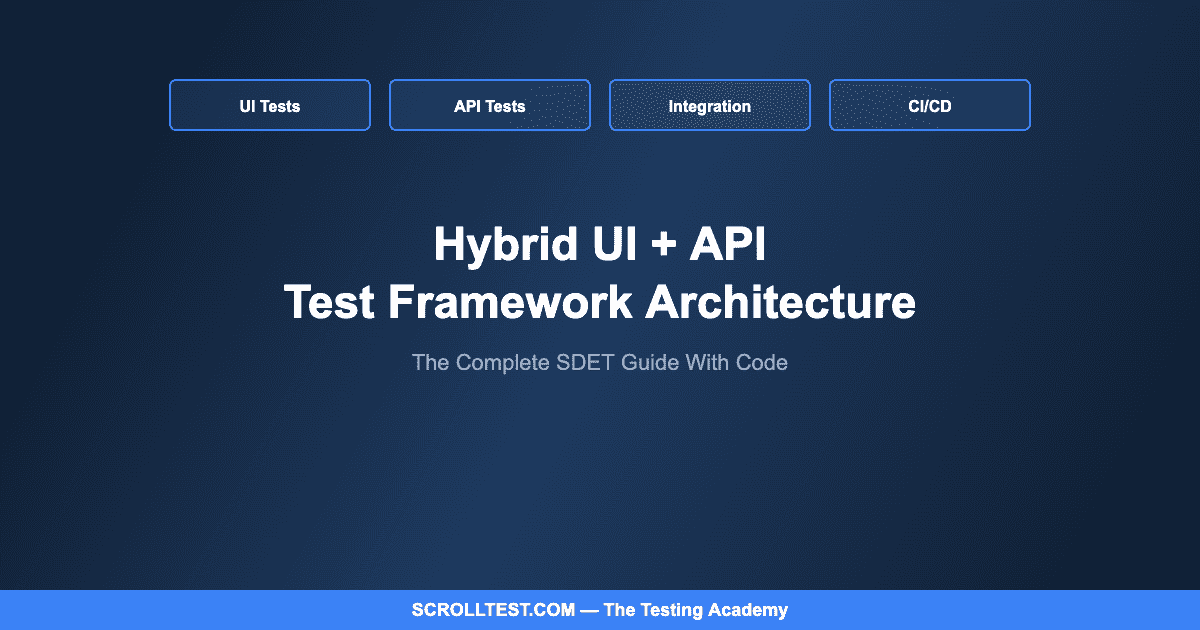
A viral LinkedIn post recently declared: “99% miss this hybrid framework question in SDET interviews.” Having conducted hundreds of SDET interviews myself, I can confirm the number is closer to 80% — but the point stands. Most candidates can write individual tests. Very few can architect a complete framework that handles both UI and API testing with shared utilities, proper data management, and CI/CD integration. This guide builds that framework from the ground up.
🎭 Want to master this with real projects? Join the Playwright Automation Mastery course at The Testing Academy.
The hybrid framework question is the great separator in SDET interviews because it tests architectural thinking, not just coding ability. Anyone can write a Playwright test or a REST Assured assertion. The question is: can you design a system where UI tests and API tests share authentication logic, test data factories, configuration management, and reporting — without creating a tangled mess that nobody else can maintain?
Contents
Why Hybrid?
Modern applications are not purely UI or purely API. A single user flow — placing an order, for example — touches the browser interface, multiple backend APIs, a payment gateway, a notification service, and a database. Testing this flow exclusively through the UI is slow and fragile. Testing it exclusively through APIs misses rendering bugs, client-side validation, and UX issues. A hybrid framework lets you test each layer at the appropriate level and combine them for true end-to-end validation.
The practical advantage is speed and reliability. Your API tests validate business logic in seconds. Your UI tests validate user experience for critical paths. Your integration tests combine both layers for complete workflow verification. The test pyramid gets implemented correctly because the framework architecture supports all three layers natively.
The Project Structure
The directory structure I recommend after building frameworks for over a dozen teams separates concerns into clear domains. The src/ directory contains framework code: src/ui/pages/ for Page Object Models, src/ui/components/ for reusable component objects, src/api/clients/ for API client classes, src/api/models/ for request/response data models, src/common/ for shared utilities (data factories, assertion helpers, logging), and src/config/ for environment configuration.
The tests/ directory mirrors this with three subdirectories: tests/ui/ for browser-based tests organized by feature, tests/api/ for API-only tests organized by service or endpoint, and tests/integration/ for hybrid tests that combine UI actions with API verifications. Supporting directories include test-data/ for JSON fixtures, reports/ for generated test reports, and .github/workflows/ for CI pipeline definitions.
The foundation of a hybrid framework is shared infrastructure that both UI and API tests can use. A base configuration class loads environment-specific settings — base URLs, API endpoints, credentials, timeouts — from a single source. Whether a UI test needs the application URL or an API test needs the service endpoint, both pull from the same configuration, ensuring consistency across test layers.
A shared authentication module handles login for both layers. For UI tests, it authenticates through the browser and saves the session state. For API tests, it authenticates via the API and stores the auth token. Both use the same credentials from the same configuration. This eliminates the common problem where UI and API tests authenticate as different users and see different application states.
Data factory classes generate test data that works across both layers. A UserFactory creates user objects with all the fields needed for both UI form fills and API request payloads. An OrderFactory generates order data that can be created via API (for setup) and verified via UI (for validation). This shared data layer is what makes hybrid testing possible — without it, you end up maintaining duplicate data structures that inevitably drift apart.
🚀 Level Up Your Playwright
From locators to CI pipelines — build a production-grade Playwright + TypeScript framework step by step.
The Page Object Model for UI
Each page object encapsulates the locators and interactions for a single page or component. The critical design decision is granularity: page objects that are too coarse (one class for the entire application) become unmaintainable, while page objects that are too fine (one class per button) create unnecessary indirection. The sweet spot is one class per logical page or major component — LoginPage, DashboardPage, CheckoutPage, OrderDetailsComponent.
Every page object method should return either another page object (for navigation) or a value (for verification). This creates a fluent API where tests read like user stories: loginPage.login(user).navigateTo(dashboard).verifyWelcomeMessage(user.name). The methods handle waits, scrolling, and element interaction internally — the test author never writes a locator strategy or explicit wait.
API Client Architecture
API clients follow a similar encapsulation pattern. Each service or resource gets a client class: UserApiClient, OrderApiClient, PaymentApiClient. These classes handle authentication header injection, request serialization, response deserialization, and error handling. The test author calls orderApi.createOrder(orderData) and gets back a typed response object — they never construct HTTP requests manually.
Request and response models (POJOs in Java, interfaces in TypeScript) define the shape of API data. JSON schema validation on responses catches contract violations automatically — if the API changes its response format, your tests fail with a clear schema mismatch error rather than a confusing assertion failure three steps later.
Integration Tests: Where Hybrid Shines
Integration tests are the unique value of a hybrid framework. A typical pattern: create test data via API (fast, reliable), perform the user workflow via UI (validates the real experience), verify the results via API (fast, comprehensive). For example: create an order via the Order API, verify it appears in the UI dashboard with the correct details, then verify the database state via a direct API call. This three-layer verification is comprehensive, relatively fast, and catches bugs that pure UI or pure API testing would miss.
The Honest Caveats
A hybrid framework is more complex than a single-layer framework. It requires engineers who understand both UI automation and API testing patterns. The initial setup time is significant — two to four weeks for the infrastructure before writing the first real test. For small teams or simple applications, a UI-only or API-only framework may be more appropriate. The hybrid approach pays off when your application has both a complex UI and a rich API surface, and when your team has the skills to maintain both layers.
The shared infrastructure (config, auth, data factories) is the most maintenance-intensive part. When it works, it accelerates test creation dramatically. When it breaks, every test in both layers fails. Invest in comprehensive tests for your framework code itself — yes, test your test framework.
Building a production-grade hybrid framework — with downloadable starter templates and hands-on labs — is the core project in Modules 3-5 of my AI-Powered Testing Mastery course.
🎓 Master Playwright End to End
Join hundreds of SDETs building real automation frameworks. Lifetime access, hands-on projects, and a job-ready portfolio.